User Profile
The User Profile page allows you to view your Construct account settings and preferences.
Accessing Your Profile
To access your profile settings:
- Click your profile icon in the top-right corner of any page
- Select Profile
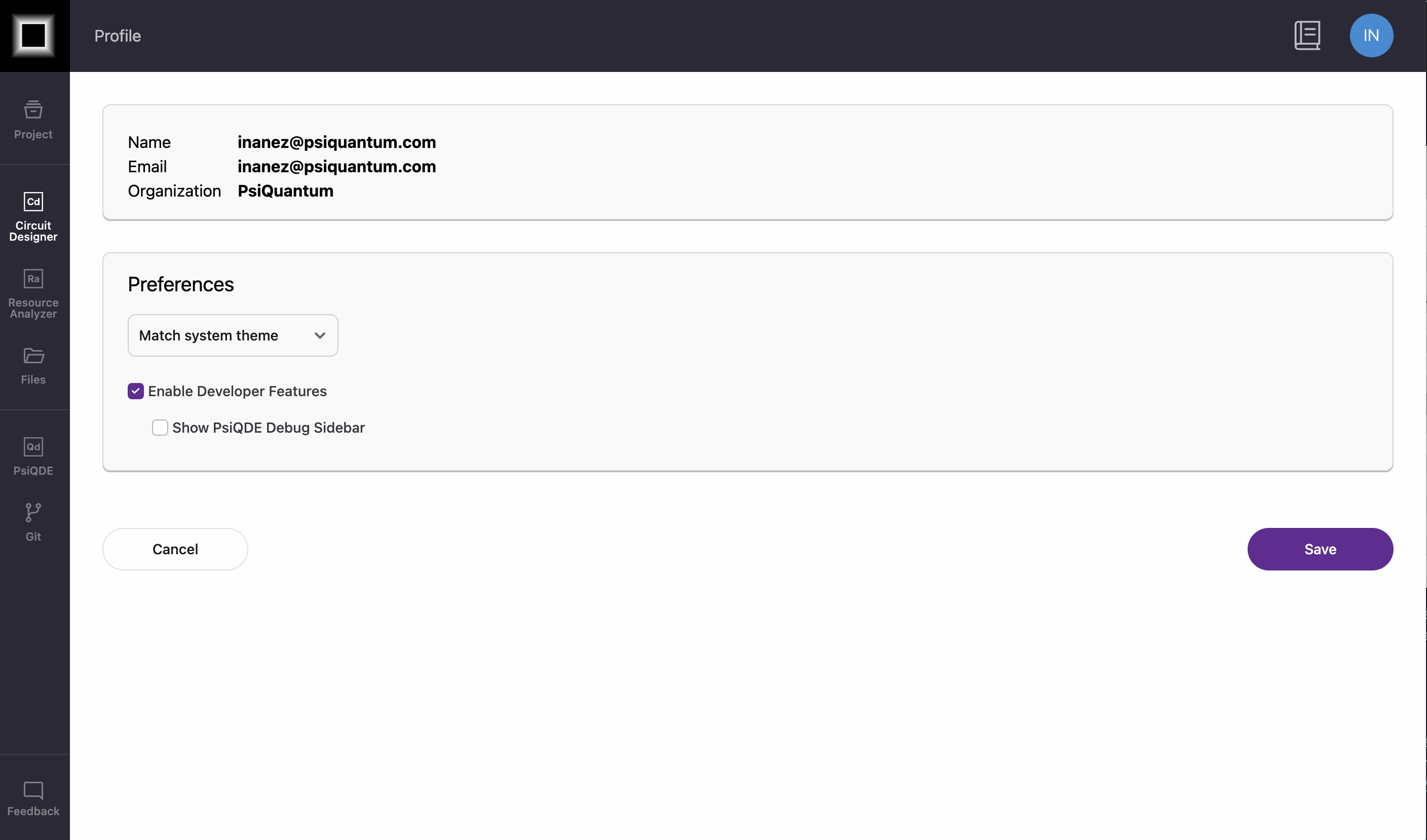
Profile Information
Your profile displays the following information:
- Name: Your name as registered with Construct
- Email: Your registered email address
- Organization: The organization your Construct account is associated with
Note
Profile information is managed by your organization administrator. Contact them if you need to update your name or email address.
Preferences
- Theme: Select the display mode (Match System, Light, and Dark)
- Developer Mode: Advanced features; to learn more about Developer Mode and its capabilities, see Developer Features.
- Show PsiQDE Debug Sidebar: Toggles Visibility to the debug sidebar in the QDE