File Menu
The File Menu lets you take action on the entire circuit, not individual elements. You can access the file actions by clicking on the File button in the main tool bar.
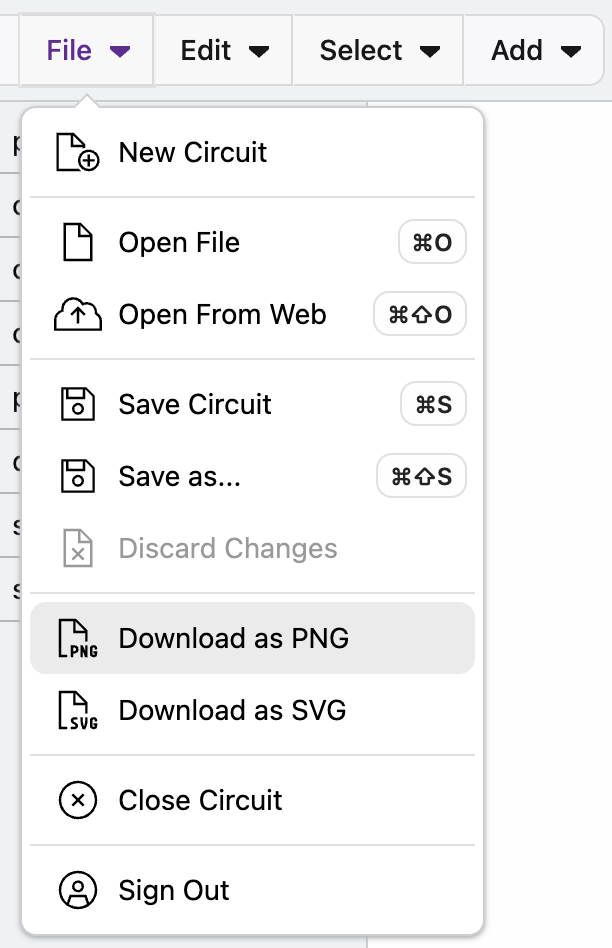
New Circuit
Create and start editing a brand new circuit.
Open file
Open a file from your desktop.
Open From web
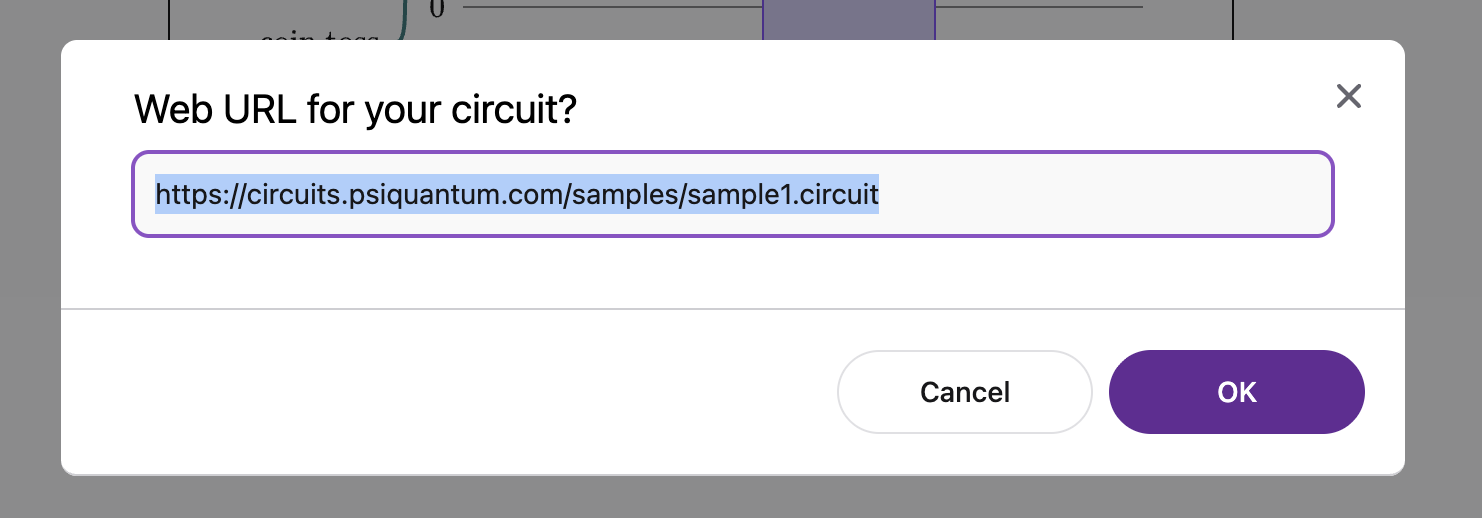
Open a .circuit file from the web. We recommend saving files to public github repository. See how to share a circuit diagram via github for details about sharing.
Save Circuit
Save the current version of the circuit to your desktop
Save As
Save a copy of the circuit with a new name, additional edits will be to the newly created .circuit file.
Discard Changes
Discard all changes currently made from the last save point. Warning, this action cannot be redone.
Download
Download the circuit to an image or PDF file (PNG, SVG, or PDF). The image will show the current view of the circuit, maintaining the current collapse level of the circuit.
Close Circuit
Close the current circuit and return to the home screen.
Sign In/Out
Sign in/out of Circuit Designer. You need to be signed into Circuit Designer to save diagrams. You do not need to be signed in to view and edit.
Learn More
Learn about the Circuit Designer's Edit actions