Release Notes
0.92.0
Release: March 5, 2026
This minor release includes several usability enhancements to Circuit Designer and other small improvements and bug fixes. - Circuit Designer Changes: - Drag and drop "drop location" has been improved - Circuit elements within an implicit column are reordered in the element sidebar to match the vertical order on the canvas. Circuit elements within an explicit column retain their order - Routines, Groups and Gates which show parameters (e.g., label, angle) above the circuit elements will require at least one rail between circuit elements to overlap.
0.91.0
Release: February 19, 2026
This minor release includes several small improvements and bug fixes.
0.90.0
Release: February 11, 2026
This release includes some significant updates to Circuit Designer:
- New drag and drop functionality! You can now drag circuit elements (or selected groups of elements) anywhere within the circuit directly.
- Redesigned right-side properties panels. The panels have cleaner and simpler layouts, featuring more icons and colors.
Updated button and label icons for actions and circuit elements
In addition to enhancements to Circuit Designer, there were some small updates and bug fixes in Construct, including new icons for Circuit Designs and QREs.
We have also released an open access version of Circuit Designer ⧉. This version allows you share circuit designs with anyone outside of Construct, if you’ve shared your circuit in a public repository like Github.
0.11.0
Release: January 27, 2026
This minor release includes several small improvements and bug fixes.
Additionally, the following changes were made to Circuit Designer:
- Hotkey Change: Setting rails hotkey has changed from enter to space
- Label rework: Labels are now split into two types, Register and Rail. Register labels allow you to annotate multiple rails together, Rails let you annotate individual rails over the line. Both are useful for relabeling a register
- Hint bar now snaps to the bottom of the circuit
0.10.0
Release: December 18, 2025
This minor release includes the launch of our new QDE documentation which is accessible from the main documentation page:
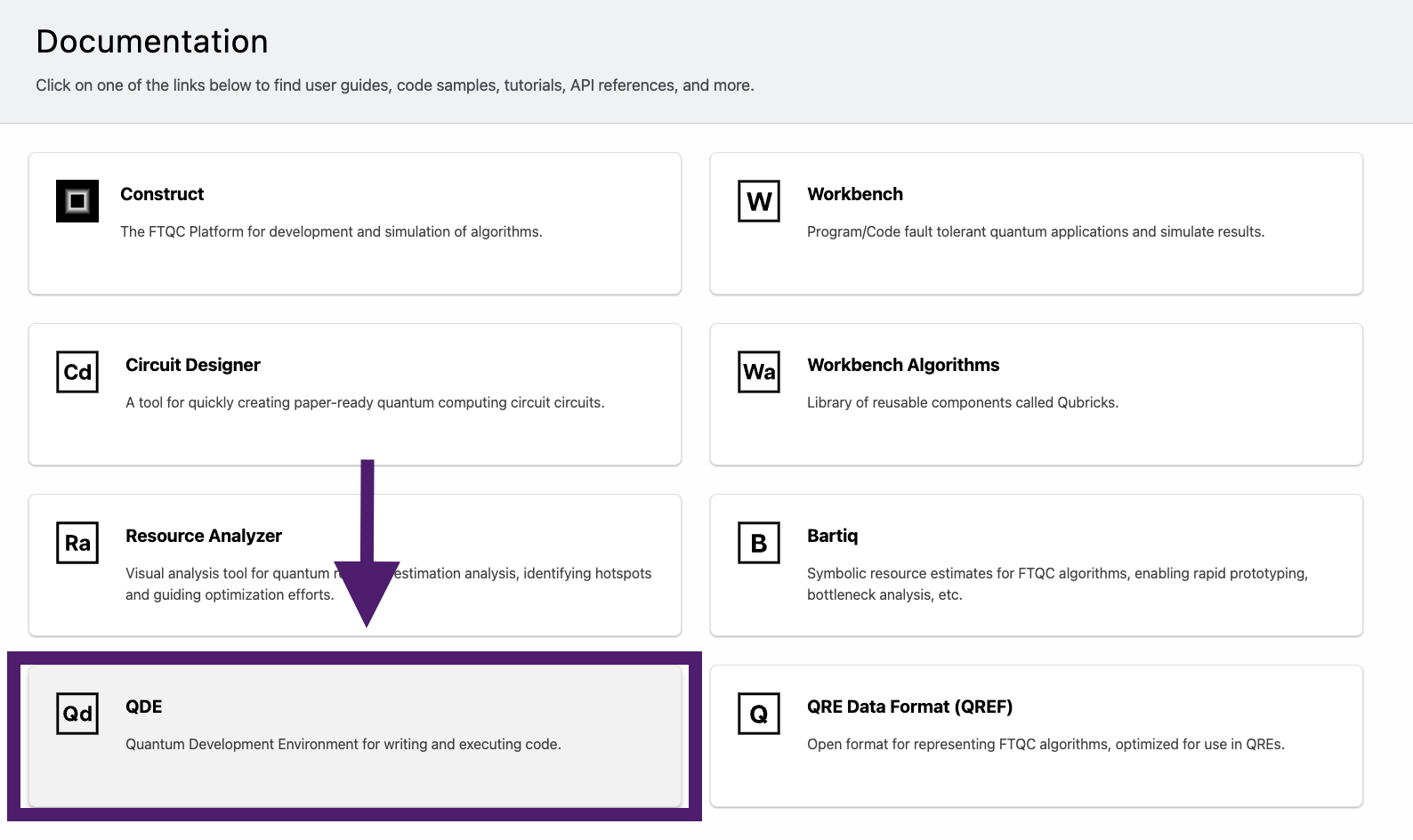
We have also simplified the naming of the QDE from “PsiQDE” to just “QDE.”
0.9.5
Release: December 2, 2025
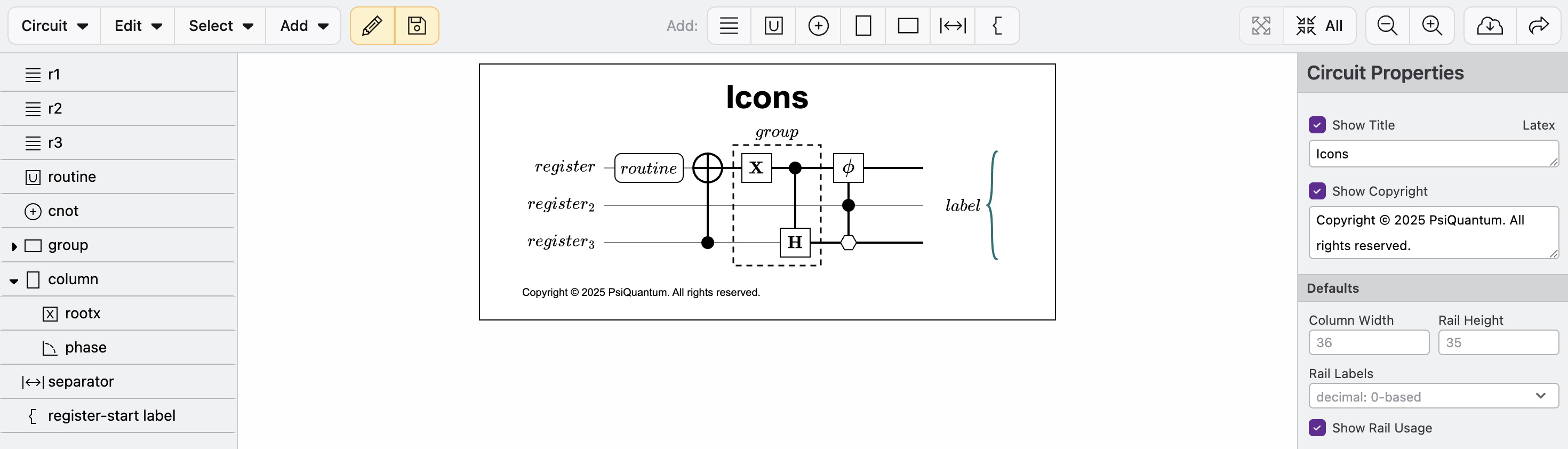
This minor release includes several small UI improvements and bug fixes. Circuit Designer has refreshed icons in the toolbar and left sidebar for improved usability.
0.9.4
Release: November 14, 2025
This minor release includes several small improvements and bug fixes.
0.9.3
Release: October 30, 2025
This release includes significant improvements to Circuit Designer:
- Nudge: Nudging lets you move circuit elements up, down, left, or right one space. First select a circuit element, then click ⌥ + arrow (alt + arrow on Windows) to nudge the element.
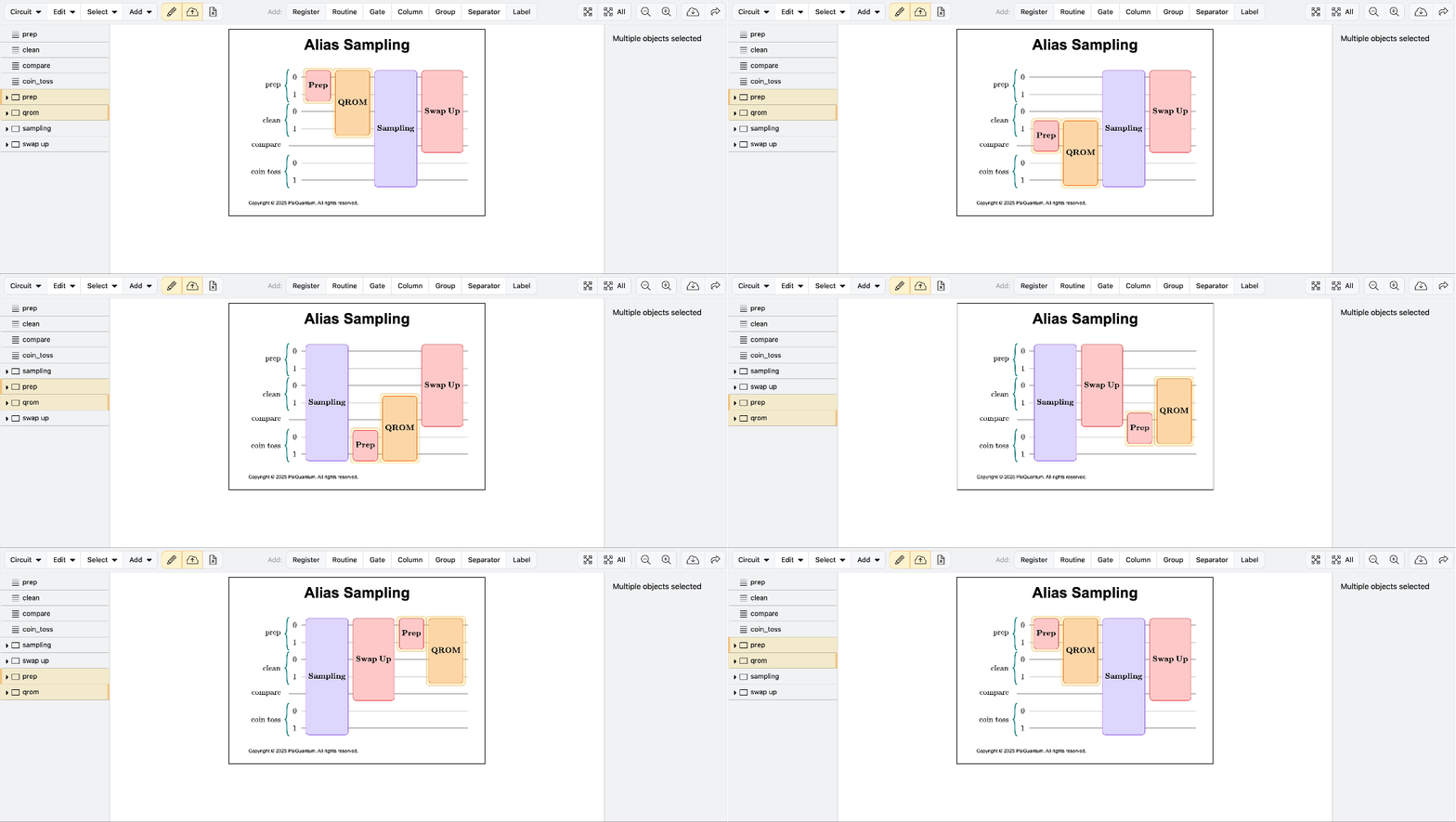
- Auto-Columns: Circuit elements will now automatically stack in columns, resulting in more compact diagrams. You can override this behavior with the new Start New Column property.
- Routine includes child Rails: Routines will now automatically grow to include all children. You can also set additional rails directly.
- Click to set Rails: You can directly select rails by first clicking on a circuit element, then holding control (command on Windows), and finally click on individual rails to assign values.
- Gate/Separator/Label: Cycle between gate, control, and falsy controls
- PPR/PPM: Cycle between X, Y, and Z
- Routine/group: Cycle between gate, control, and falsy control. Unable to turn off child rails
- Column: columns are not support because they apply to all rails and registers
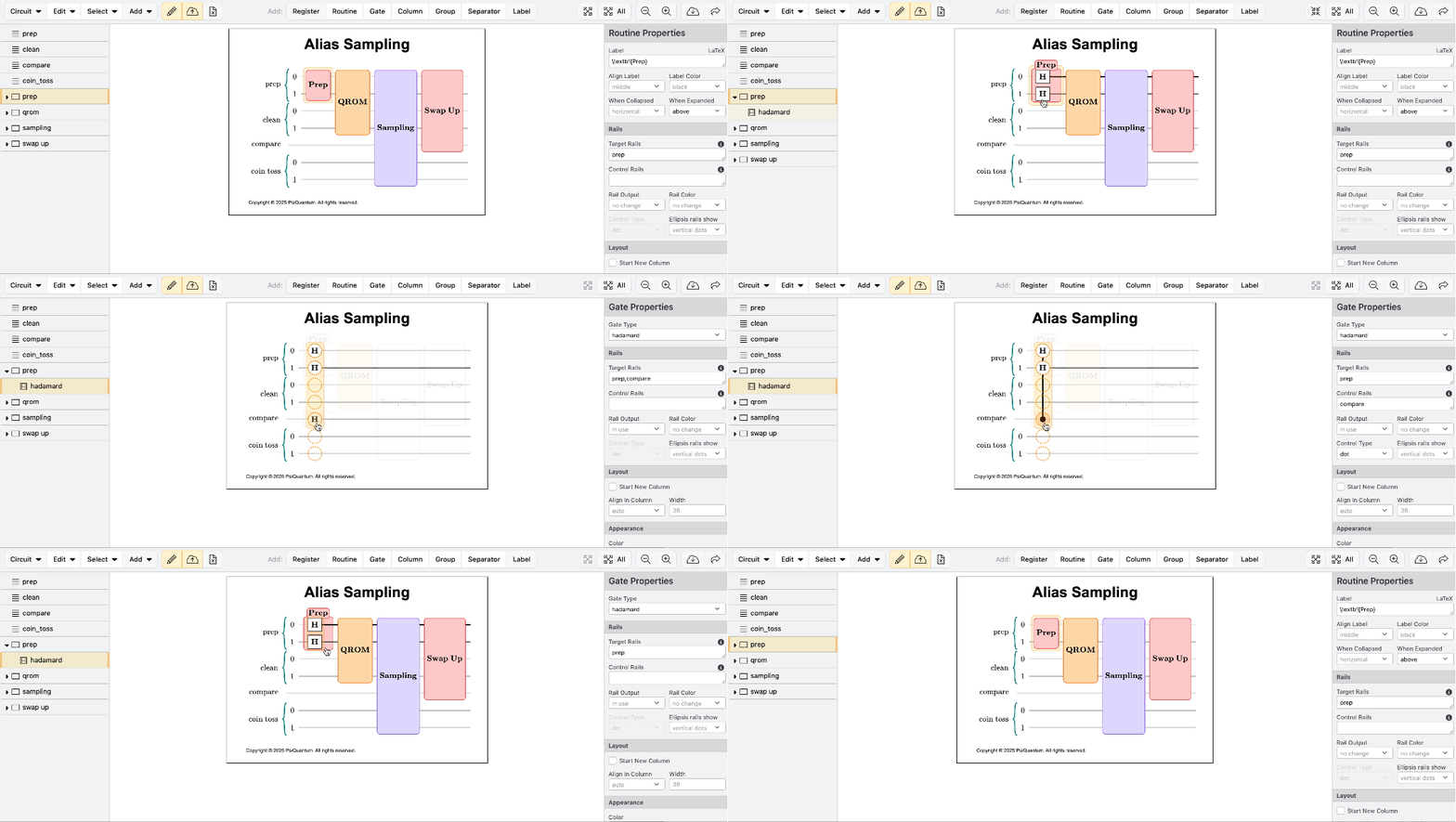
- New Registers default to start of diagram: This can be overridden by adding the Register to a Column, Group, or Routine later in the document
0.9.2
Release: October 20, 2025
This minor release includes several small improvements and bug fixes.
0.9.1
Release: October 3, 2025
This release includes several small improvements:
- Circuit Designer: You can now add Labels on and across Registers and Rails to create custom annotations anywhere in your circuit. Labels are especially useful for specifying a Register’s end state. They can also be used to set a Register’s/Rail’s color within a diagram.
- File Explorer: New option under the “…” menu to upload a file to a folder
- Project List: Project filter “All Projects” renamed “Active Projects” for clarity as this filter does not include Archived projects.
- Additional bug and performance improvements.
0.9.0
Release: September 17, 2025
This release include significant improvements to the usability of our file explorer:
- Files can now be dragged and dropped to copy or move them
- Files uploaded are highlighted for improved discoverability
- Long running file operations are clearly indicated as they run
0.8.4
Released: August 26, 2025
This release includes several small improvements:
- QRE Analyzer has been renamed “Resource Analyzer”
- We have updated Construct’s tool icons for improved clarity
- Circuit designer has improved the display of PPR and PPM gates to improve consistency with Workbench’s display of these gates.
- New projects are automatically marked as Favorites when created
- Double clicking files in the File Viewer will now automatically open those files in the appropriate tool (e.g. circuit diagram is opened in Circuit Designer)
- We have improved the feedback/bug submission experience with a new form using the feedback button
- Miscellaneous bug fixes